Prompt 1/5
Describe your book in one prompt
Explain the subject, audience, and angle in a few words. That is all Inkrify needs to start.

AI book generator for editable KDP and EPUB drafts
Describe your book, choose its theme and chapter count, then review the outline before Inkrify drafts each chapter. Edit, verify, and prepare the project for export.
Start with one book idea and generate a structured demo draft. You can inspect the outline, sample chapters, metadata direction, and export workflow before committing to a paid plan.
Illustrative example — not a generated result
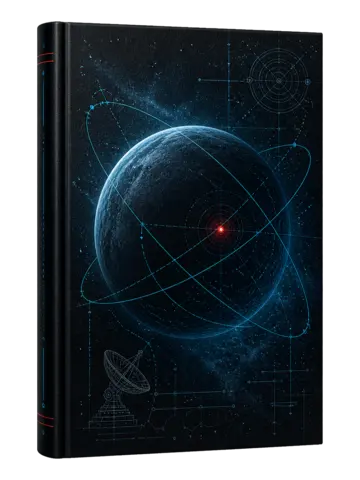
1. An astronomer receives a signal from an abandoned station. 2. Her reply reveals that someone knows her next move.
Two editable sample chapters to assess structure and voice
Title direction, description angle, categories, and keywords
EPUB and PDF paths prepared for review
Scroll through the five screens that turn your idea into a structured draft you can review, edit, and export.
Prompt 1/5
Explain the subject, audience, and angle in a few words. That is all Inkrify needs to start.
Settings 2/5
Confirm the book category and language, then choose between 7 and 15 chapters.
Generate 3/5
The outline and every chapter are generated automatically in the same project.
Cover 4/5
Upload or generate a cover, then complete the title, description, keywords, and categories.
Edit 5/5
Open any chapter, edit the text if needed, then export the book as EPUB or PDF.
Start with our Basic plan and upgrade anytime as your needs grow. All plans include our core AI writing technology.
For occasional English Fantasy and Sci-Fi projects
For authors creating up to 15 books per month
For higher-volume workflows up to 30 books per month
The free demo generates a two-chapter sample book so you can test the workflow before choosing a plan.
Yes. Full book projects can contain 7 to 15 chapters. The free demo uses two chapters.
Yes. Upload your cover and edit the title, author, description, keywords, categories, and other metadata. AI cover generation is available on the Premium plan.
Yes. Every chapter remains editable. You can then export the finished project in the formats included with your plan.
Write the prompt now and configure the book on the next screen.