Skip to content
Inkrify

AI-assisted publishing. Author-controlled.

Your book.Still yours.

One idea becomes an editable manuscript, with your approval at every decisive step.

Enter the studio
IdeaOutlineChaptersMetadataExport

A working manuscript. Not a black box.

Each stage exposes a real publishing artifact. You can see what changed, decide what stays, and keep moving without surrendering editorial control.

Outline

Approve the shape before the prose multiplies.

Turn the first idea into a chapter structure you can inspect, reorder, and approve before long-form drafting begins.

Editable hierarchy. Visible chapter intent. No hidden leap from prompt to manuscript.

An Inkrify book outline arranged as a visible chapter hierarchy

Chapters

Read, revise, and keep the voice accountable.

Work through generated chapters inside the same project, with the surrounding outline and manuscript context still in view.

Every important sentence remains editable. Research and factual checks remain yours.

A chapter manuscript prepared for review and editing in Inkrify

Delivery

Leave with files, not a locked conversation.

Package the reviewed manuscript for the tools that come next, including PDF, DOCX, and EPUB export paths.

Metadata, cover direction, and manuscript assets stay connected to the same book project.

A finished Inkrify book project arranged with export-ready publishing assets
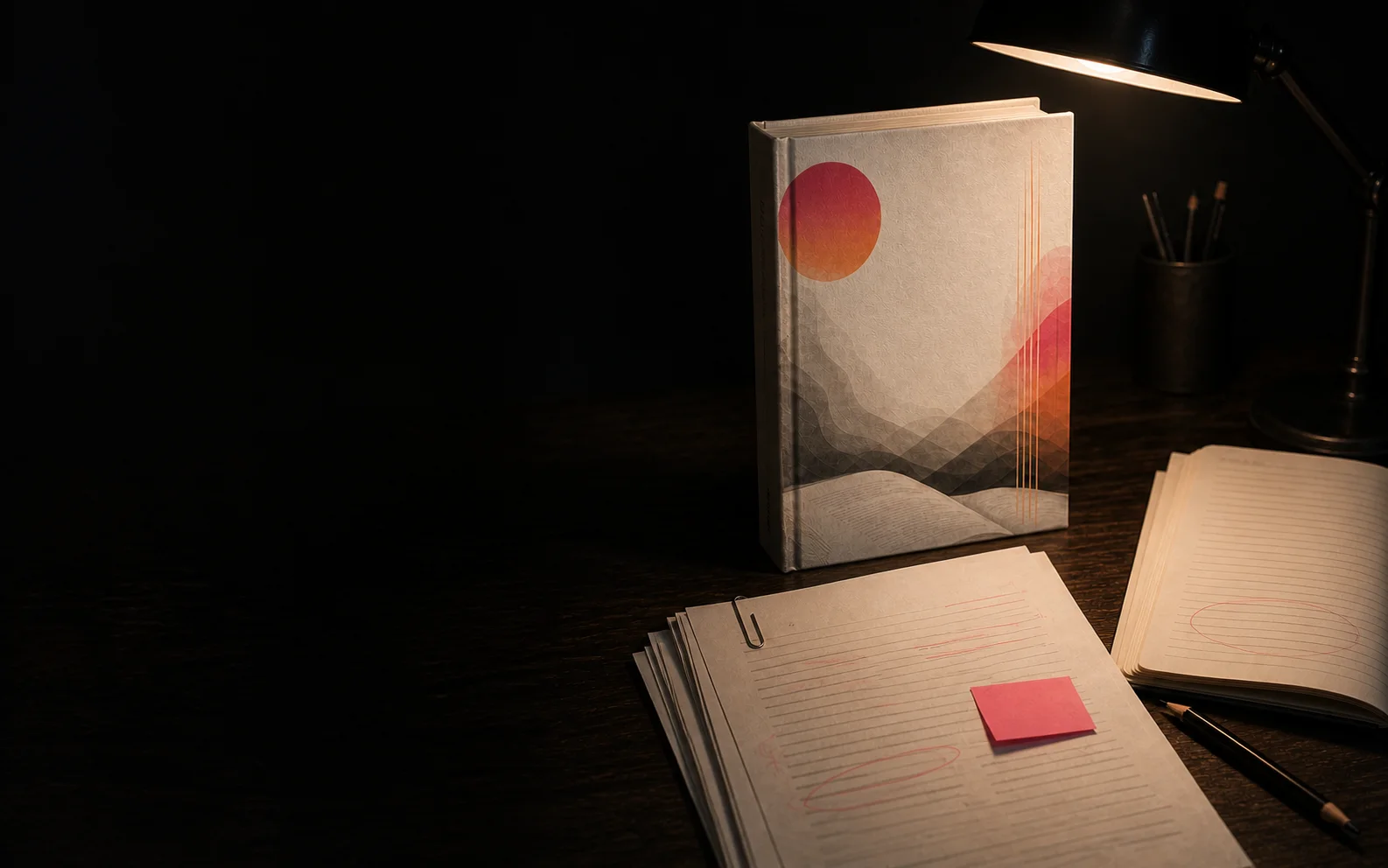
A finished book, manuscript pages, and editing tools arranged in the Inkrify publishing studio

Four gates. One manuscript.

The workflow slows down at the decisions that matter and speeds up the repetitive work between them.

  1. Frame the book

    Set the topic, reader, language, category, and working direction before generation starts.

  2. Approve the outline

    Inspect the proposed structure and make the first editorial decision while changes are still cheap.

  3. Draft and revise

    Generate chapters into one workspace, then edit the wording, sequence, claims, and tone.

  4. Prepare the handoff

    Review metadata, cover direction, formatting, and exports before moving to a publishing platform.

Begin with two chapters. Commit only when the draft earns it.

Review the plans

Before you open the first draft.

The demo lets you test the workflow with a structured outline and two editable chapters before choosing a paid plan.


Bring the idea. Keep the final word.

Start your manuscript